Slides: Accessibility Culture Day welcome
There are 14 slides. Each one has a picture of the slide, followed by its text and a description of what it shows.
Slides for “Accessibility Culture Day welcome” (PDF, 321KB). The PDF isn’t fully accessible, but this page has everything it does.
Slide 1
The title slide. It reads “Accessibility Culture Day”, in large bold black text, with the giffgaff logo in the top left corner. Like all the slides in this talk, it has a light green background.
Slide 2
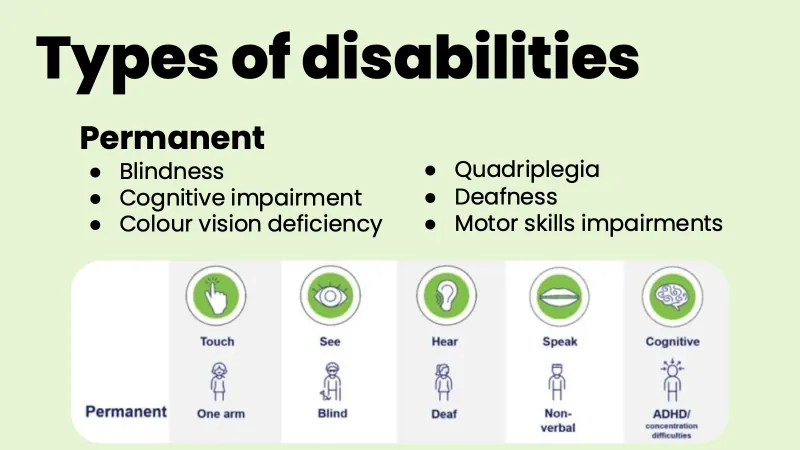
The heading reads “Types of disabilities”, with the subheading “Permanent” and a list in two columns:
- “Blindness”
- “Cognitive impairment”
- “Colour vision deficiency”
- “Quadriplegia”
- “Deafness”
- “Motor skills impairments”
Below the list is a picture with the row label “Permanent”. It has 5 columns, each with a green circle icon, a label, and a simple drawing of a person with a permanent disability:
- “Touch” (a pointing hand): “One arm”
- “See” (an eye): “Blind”
- “Hear” (an ear): “Deaf”
- “Speak” (lips): “Non-verbal”
- “Cognitive” (a brain): attention deficit hyperactivity disorder (ADHD) or concentration difficulties, written as “ADHD/concentration difficulties”
Slide 3
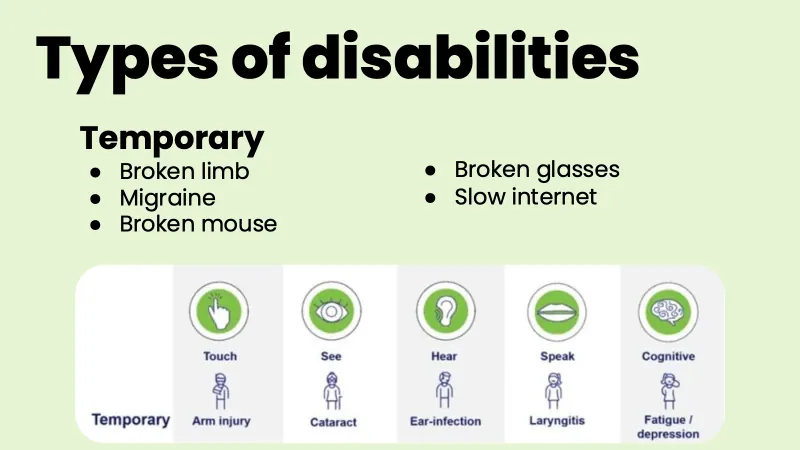
The heading reads “Types of disabilities”, with the subheading “Temporary” and a list in two columns:
- “Broken limb”
- “Migraine”
- “Broken mouse”
- “Broken glasses”
- “Slow internet”
Below the list is the same kind of picture as on slide 2, with the row label “Temporary”. Each column has an icon, a label, and a drawing of a person with a temporary disability:
- “Touch”: “Arm injury”
- “See”: “Cataract”
- “Hear”: “Ear-infection”
- “Speak”: “Laryngitis”
- “Cognitive”: “Fatigue / depression”
Slide 4
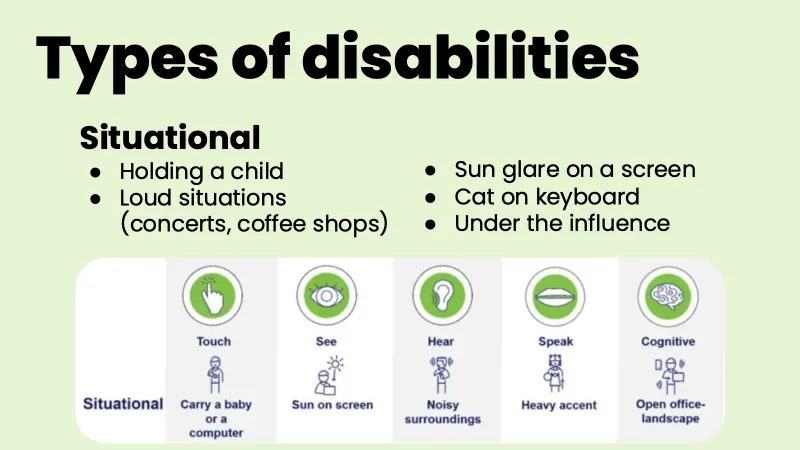
The heading reads “Types of disabilities”, with the subheading “Situational” and a list in two columns:
- “Holding a child”
- “Loud situations (concerts, coffee shops)”
- “Sun glare on a screen”
- “Cat on keyboard”
- “Under the influence”
Below the list is the same kind of picture as on slides 2 and 3, with the row label “Situational”. Each column has an icon, a label, and a drawing of a person in a situation that disables them:
- “Touch”: “Carry a baby or a computer”
- “See”: “Sun on screen”
- “Hear”: “Noisy surroundings”
- “Speak”: “Heavy accent”
- “Cognitive”: “Open office-landscape”
Slide 5
The heading reads “Who benefits from good accessibility?”, with the answer “Everyone!” below it in large bold text. In the bottom right corner is a drawing of a pair of thick-framed black glasses.
Slide 6
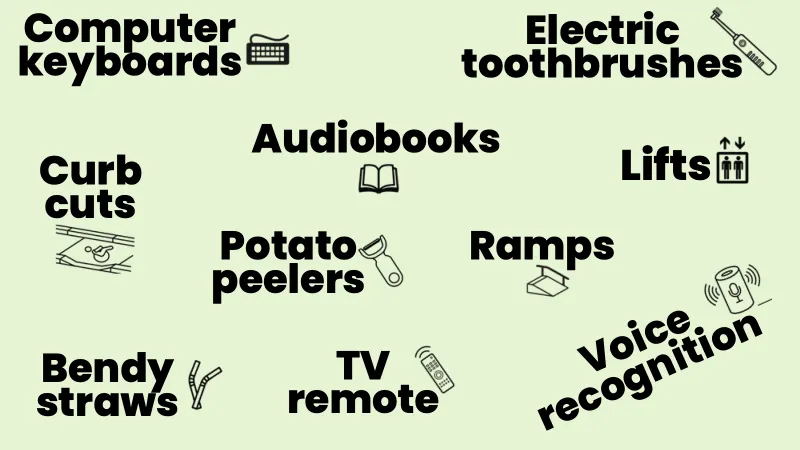
There’s no heading. The slide is full of words in large bold text, spread across the slide, each with a small black line drawing next to it:
- “Computer keyboards”, with a keyboard
- “Electric toothbrushes”, with an electric toothbrush
- “Audiobooks”, with an open book
- “Lifts”, with a lift sign showing two people and up and down arrows
- “Curb cuts”, with a kerb cut that has a wheelchair symbol on it
- “Potato peelers”, with a potato peeler
- “Ramps”, with a ramp
- “Bendy straws”, with two bendy straws
- “TV remote”, with a remote control
- “Voice recognition”, written at an angle, with a smart speaker that has a microphone symbol and sound waves around it
Slide 7
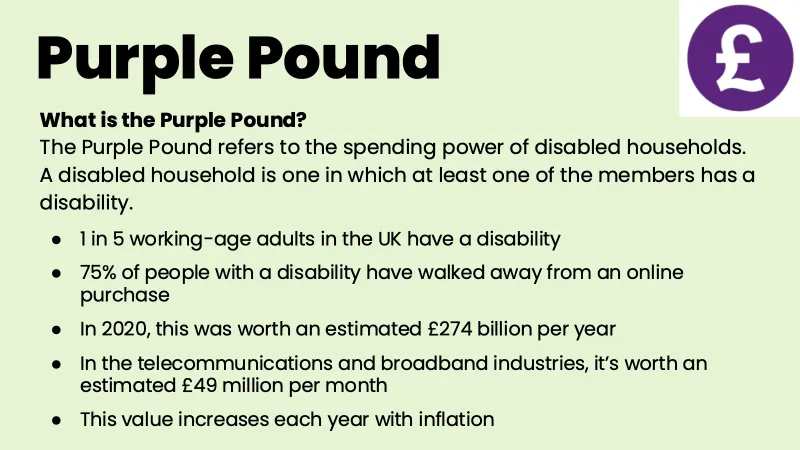
The heading reads “Purple Pound”, with a purple circle with a white pound sign (£) in it in the top right corner. Below the heading, in bold: “What is the Purple Pound?” Then: “The Purple Pound refers to the spending power of disabled households. A disabled household is one in which at least one of the members has a disability.”
Below that is a list:
- “1 in 5 working-age adults in the UK have a disability”
- “75% of people with a disability have walked away from an online purchase”
- “In 2020, this was worth an estimated £274 billion per year”
- “In the telecommunications and broadband industries, it’s worth an estimated £49 million per month”
- “This value increases each year with inflation”
Slide 8
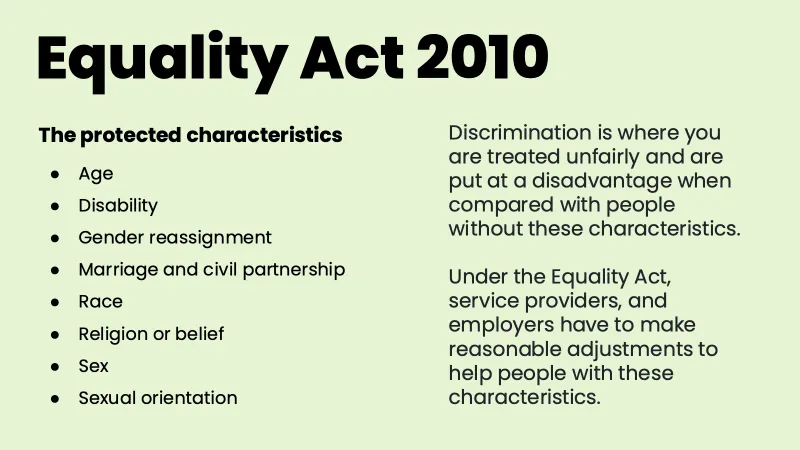
The heading reads “Equality Act 2010”. The slide has two columns.
On the left, in bold, “The protected characteristics”, with a list:
- “Age”
- “Disability”
- “Gender reassignment”
- “Marriage and civil partnership”
- “Race”
- “Religion or belief”
- “Sex”
- “Sexual orientation”
On the right: “Discrimination is where you are treated unfairly and are put at a disadvantage when compared with people without these characteristics.” Below that: “Under the Equality Act, service providers, and employers have to make reasonable adjustments to help people with these characteristics.”
Slide 9
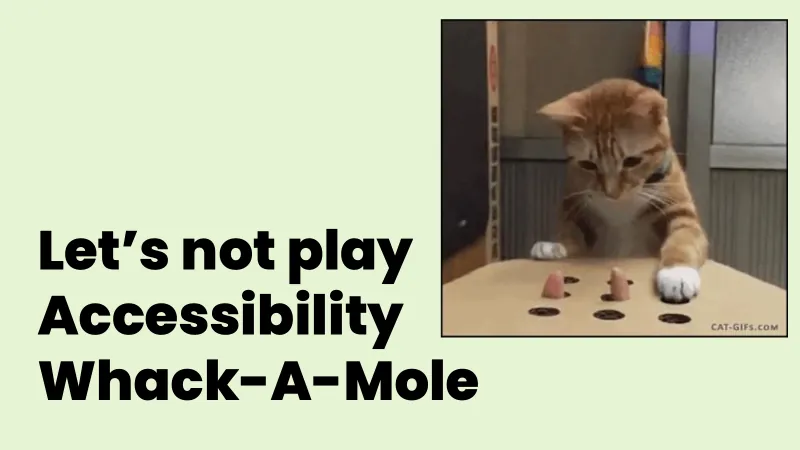
It reads “Let’s not play Accessibility Whack-A-Mole”, in large bold text in the bottom left. On the right is a picture of a ginger and white cat playing whack-a-mole. The cat looks down at a cardboard box with holes in the top, with one paw on a hole, while two fingers poke up out of other holes like moles. The picture has “CAT-GIFs.COM” in the bottom right corner.
Slide 10
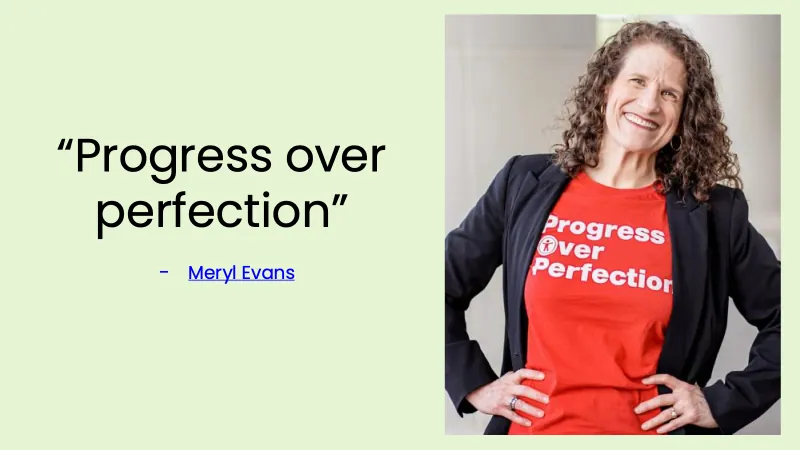
It reads “Progress over perfection”, in quote marks, with the name of the person who said it under it: Meryl Evans’s website (external site).
On the right is a photo of Meryl Evans. She has long, curly brown hair, she’s smiling, and she has her hands on her hips. She’s wearing a black blazer over a red T-shirt that says “Progress Over Perfection” in white. The “O” in “Over” is the symbol for accessibility: a person with their arms out, in a circle.
Slide 11
The heading reads “What’s on today?”, with two times in the middle of the slide:
- 12:15pm to 1:45pm: “Lunch”
- 1:45pm to 4:30pm: “Interactive workshops”
Slide 12
The heading reads “Workshops”. The slide has two columns.
On the left: “Each workshop will be run 3 times, so everyone gets a chance to go to each workshop.” Below that, “The times are:”, with a list:
- 1:45pm to 2:30pm
- 2:45pm to 3:30pm
- 3:45pm to 4:30pm
On the right: “If you’re in the office, bring your laptop and headphones to each of the workshops.” Below that: “If you’re remote, there will be breakout rooms. It’s entirely up to you if you’d like your camera to be on or off.”
Slide 13
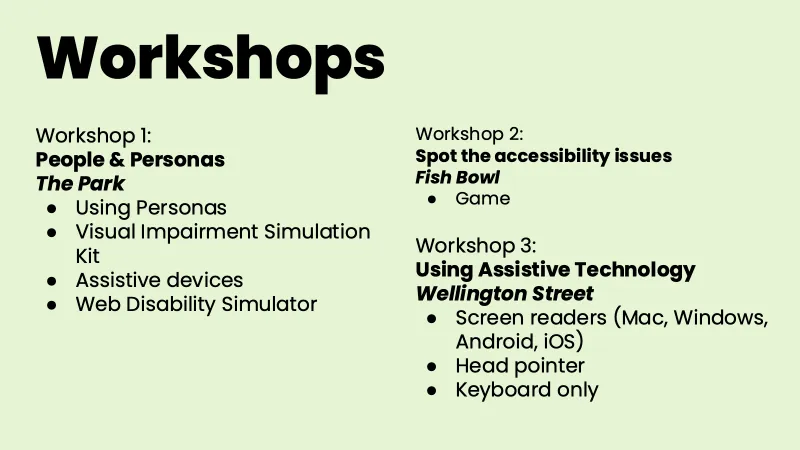
The heading reads “Workshops”, with details of 3 workshops. Each one has its number, then its name in bold, then the room it’s in, in bold and slanted text, then a list of what’s in it.
“Workshop 1: People & Personas”, in “The Park”:
- “Using Personas”
- “Visual Impairment Simulation Kit”
- “Assistive devices”
- “Web Disability Simulator”
“Workshop 2: Spot the accessibility issues”, in “Fish Bowl”:
- “Game”
“Workshop 3: Using Assistive Technology”, in “Wellington Street”:
- “Screen readers (Mac, Windows, Android, iOS)”
- “Head pointer”
- “Keyboard only”
Slide 14
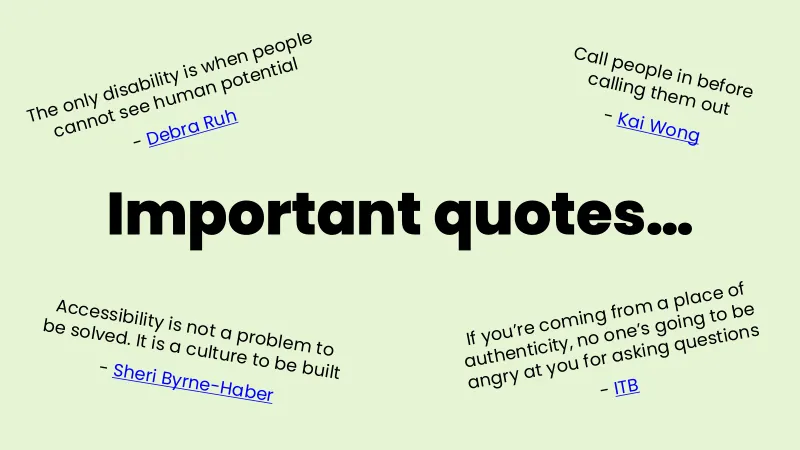
The heading “Important quotes…” is in large bold text in the middle of the slide. Around it are 4 quotes, one in each corner, each written at a slight angle. Each quote has the name of the person who said it under it, as a link.
- Top left: “The only disability is when people cannot see human potential”, by Debra Ruh (Debra Ruh’s biography (external site))
- Top right: “Call people in before calling them out”, by Kai Wong (Kai Wong on LinkedIn (external site))
- Bottom left: “Accessibility is not a problem to be solved. It is a culture to be built”, by Sheri Byrne-Haber (Sheri Byrne-Haber’s biography (external site))
- Bottom right: “If you’re coming from a place of authenticity, no one’s going to be angry at you for asking questions”, by ITB, which is Ian Tomney-Bell (Ian Tomney-Bell on LinkedIn (external site))